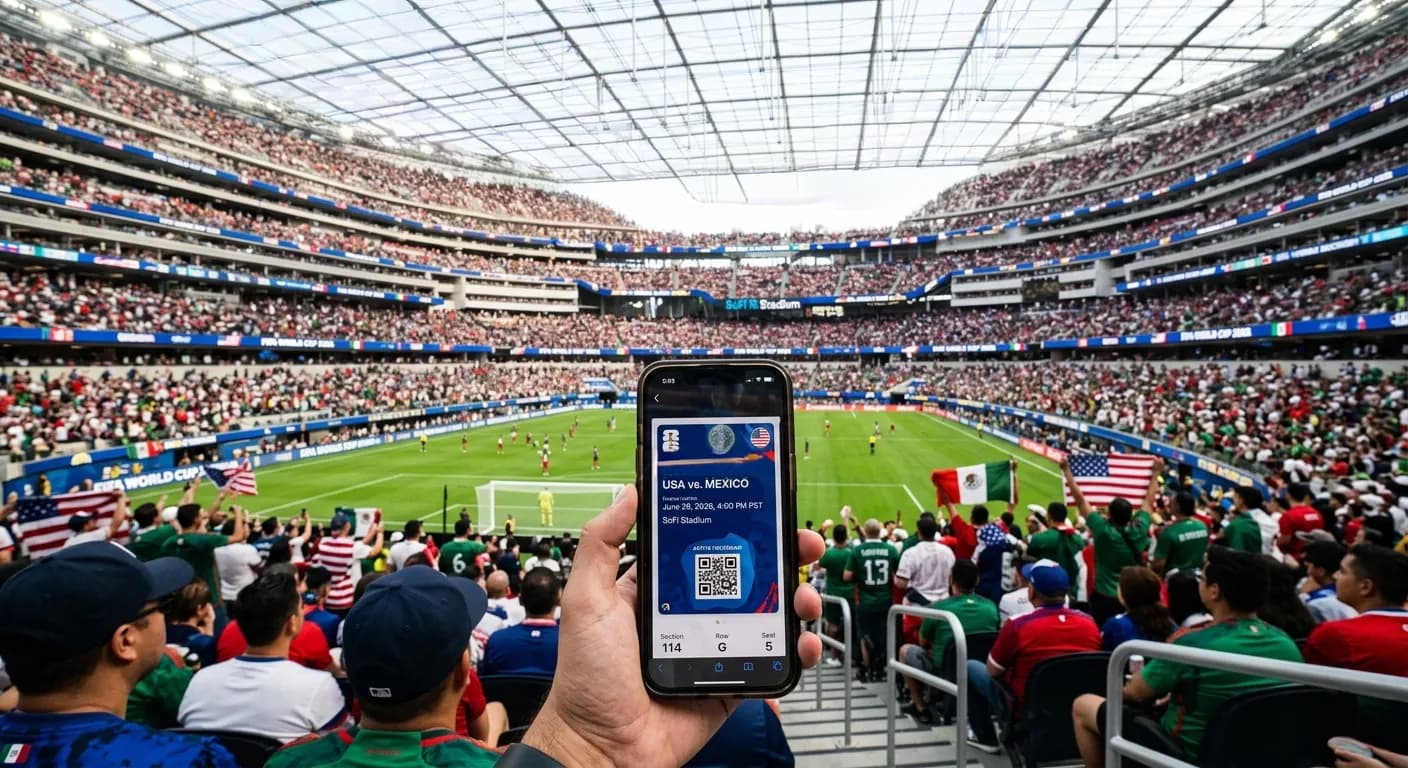
The 2026 World Cup is the first edition of the men's tournament with no paper tickets at all. Every one of the 6.2 million seats sold across the 104 matches will be accessed through a single digital pass on the FIFA Tickets app, the official mobile application operated by FIFA's commercial division for ticket distribution. The transition was announced in March 2025 and finalised in operating procedure in October 2025, after stress tests at MLS, Liga MX and Canadian Premier League fixtures held at the host venues.
The change is significant. The 2018 Russia tournament had paper tickets as the default with optional digital. The 2022 Qatar tournament moved to digital-first but retained paper as a backup at the gate for the first 24 hours of an issue. The 2026 tournament has no paper option at all, no backup at the gate, and no manual override at the turnstile. If your digital ticket is not on a working device with the FIFA Tickets app installed and authenticated, you do not enter the stadium. This guide explains how to make sure that does not happen to you.
What the FIFA Tickets app actually is
The FIFA Tickets app is a free mobile application available on the Apple App Store (iOS) and the Google Play Store (Android). It is published by FIFA's commercial subsidiary, FIFA Marketing AG, and is separate from FIFA's other apps (the FIFA+ streaming service, the FIFA Fan App for Qatar 2022, the older FIFA Mobile games). For the 2026 tournament, only the FIFA Tickets app is the gate-valid credential.
You will need to download the app, create an account using the same email address you used to buy your tickets, verify that account through a one-time email code, add the FIFA Tickets multi-factor authentication via SMS or authenticator app, and confirm a government-issued photo identification document (passport, driver's licence or national ID) that matches the name on the ticket. The whole process takes about 12 minutes the first time and is the prerequisite to ticket entry at every match.
How a match-day entry actually works
On match day, the sequence at the stadium gate is the following:
- You arrive at the gate (plan to arrive 90 minutes before kickoff for marquee fixtures, 60 minutes for group-stage matches)
- You open the FIFA Tickets app on your phone and tap "Today's Match"
- The app generates a unique QR code that refreshes every 30 seconds
- You hold the QR code under the gate scanner
- If the scan is valid, the gate opens. If invalid, a steward inspects the screen and your photo identification
- You enter the stadium through the standard security screening (bag check, metal detector)
The QR code refresh every 30 seconds is the anti-fraud mechanism. Static screenshots of the QR code do not work; the scanner only accepts a live QR generated by an authenticated session of the app. This is why offline ticket transfers (via screenshot, photo, email forward) are not a workaround.
What identification you need
At every gate, in addition to the digital ticket, you must present a government-issued photo identification document. The accepted documents are:
- Passport (any country, valid through at least 19 July 2026)
- National identification card with photo (for European Union, Mexican, Canadian and US citizens with a valid ID card)
- Driver's licence (US, Canadian or Mexican; international driver's licences are not accepted)
- Permanent resident card (US, Canadian or Mexican)
The name on the identification must match the name on the FIFA Tickets app account. If you bought tickets in someone else's name (a friend, a family member, a colleague), you cannot enter on those tickets without transferring the tickets through the app's official transfer feature. The transfer is free, takes about 90 seconds, and can be done up to 4 hours before kickoff.
The transfer feature in detail
If you need to give a ticket to someone else (the original buyer cannot attend, you bought a group of tickets and need to distribute them, you sold a ticket on the FIFA sanctioned resale platform), the transfer process is:
- In the FIFA Tickets app, open the ticket you want to transfer
- Tap "Transfer" and enter the recipient's email address
- The recipient receives an email with a transfer code
- The recipient opens their own FIFA Tickets app, enters the code, and confirms acceptance
- The ticket moves from your account to theirs and is no longer valid in your account
The transfer is one-way and one-time per ticket. You cannot un-transfer or split a single ticket. Each transfer event is logged by FIFA and can be audited for fraud.
What to do if your phone dies on match day
The single largest source of gate denial at past digital-ticket tournaments has been dead or unresponsive phones at the gate. The 2022 Qatar tournament had paper-ticket backup at the gate for cases where the digital ticket was not working; the 2026 tournament does not. So the contingency planning matters more.
The recommended contingencies, in priority order:
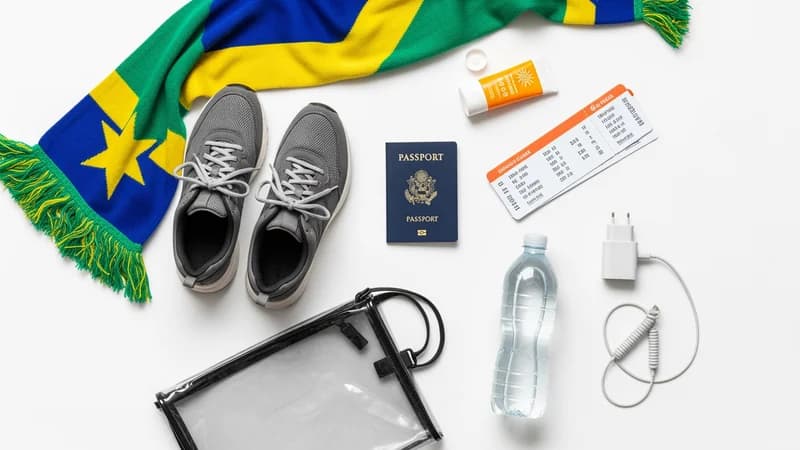
- Bring a fully-charged power bank with the right cable for your phone. Most stadiums allow power banks under 20,000 mAh through security.
- Make sure the FIFA Tickets app has been opened and the ticket loaded before you arrive at the venue. The app caches the most recent QR generation, so even if the network is briefly unavailable, the ticket can still scan.
- Set your phone to airplane mode for the 30 minutes before arrival, which preserves battery. Switch off airplane mode at the gate.
- Disable battery-draining background apps (video streaming, gaming, location services) for the day.
- If your phone dies before you reach the gate, the FIFA Help Desk located outside every stadium can re-issue the ticket onto a partner's phone, but only if the partner's account also has tickets to the same match (so FIFA can verify your group). The process takes 25 to 40 minutes and you may miss the start of the match.
Accessibility and edge cases
FIFA has confirmed that disabled supporters and elderly fans without smartphones can request a physical credential through the Accessible Ticket Programme, accessed through the FIFA Tickets app or by contacting FIFA's accessibility helpdesk directly. The physical credential is a printed pass with embedded RFID chip and is only issued upon application and verification. The default for everyone else is digital-only.
For travellers from countries where the major mobile app stores do not work (China is the main example), FIFA has made an APK download of the Android version available through its own website with a separate authentication process. The iOS version requires either an Apple ID region change or use of a non-Chinese Apple device.
Why FIFA made this change
The official reasons FIFA gave for moving to digital-only were anti-fraud (paper tickets had a roughly 1.4 percent counterfeit rate at the 2018 tournament), dynamic capacity management (digital tickets can be revoked, reissued or transferred in response to security or operational needs), and environmental footprint (eliminating the production, distribution and disposal of approximately 6.2 million paper tickets).
The unstated commercial reason is data. A digital ticket on an authenticated app generates a complete profile of who held what ticket at what time, with what device, and which stadium gate they entered through. That data has commercial value to FIFA's sponsors and is used in negotiating the next cycle's broadcast and partner agreements. Paper tickets do not generate that data.
For the full schedule of all 104 matches and the FIFA Tickets app links specific to your match, see our match schedule explorer. For tickets you have not yet bought, the official source is the FIFA Tickets app itself, accessed through FIFA.com.